
Table of Contents
As an Amazon Associate, we earn from qualifying purchases. This means we may receive a small commission at no extra cost to you when you buy through links on this page.
Best Screen Recording Software UK 2026: Capture, Edit & Share with Ease
In today’s digital landscape, screen recording software is an essential tool for a myriad of purposes. From creating engaging tutorials and compelling presentations to documenting software bugs and sharing gameplay highlights, the ability to capture your screen seamlessly is more valuable than ever. And with the rapid advancements in Artificial Intelligence (AI), screen recording software in 2026 boasts features previously unimaginable. This guide will walk you through the best options available in the UK, helping you find the perfect solution for your needs.
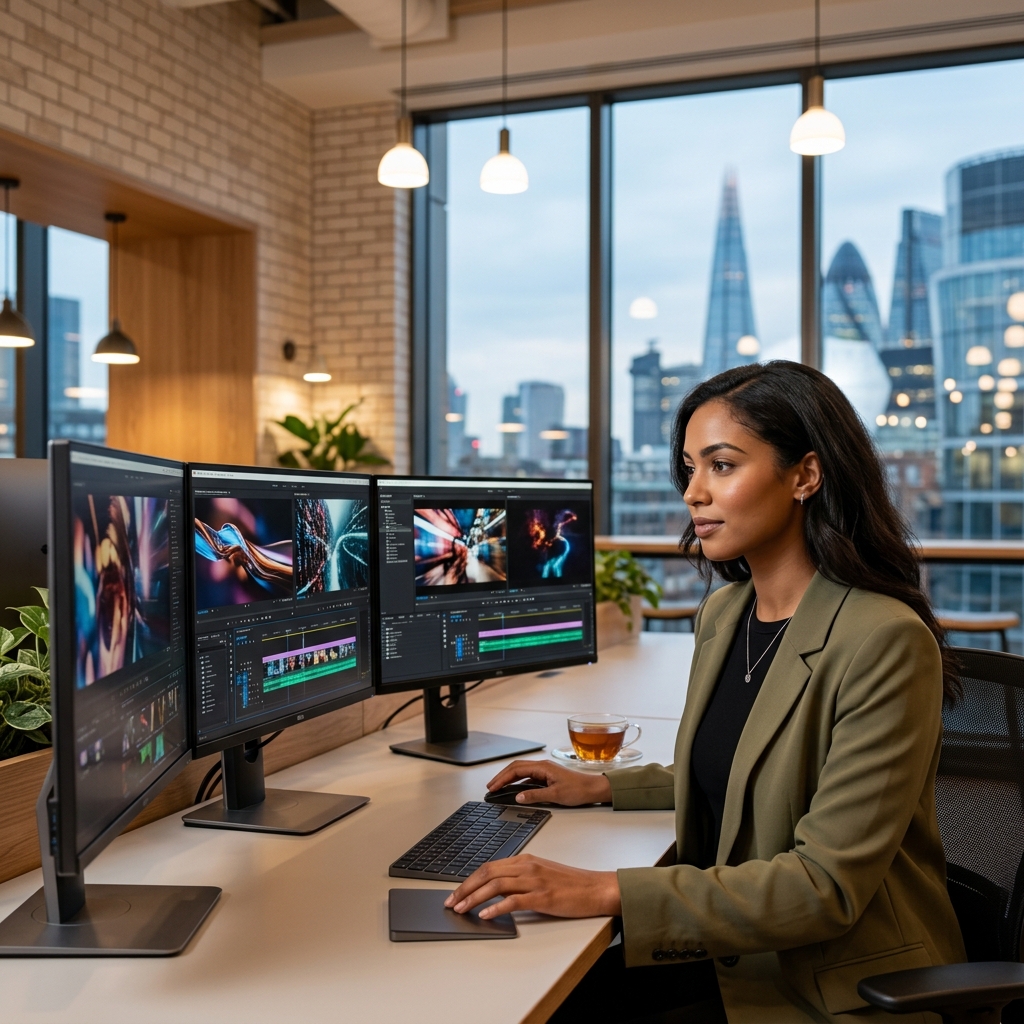
What is Screen Recording Software & Why Do You Need It?
Screen recording software essentially captures everything displayed on your computer screen. It’s not just about recording video; it’s about creating visual documentation, instructional aids, and engaging content. Common uses include:
- Tutorials & Demonstrations: Show users how to perform tasks within software or online platforms.
- Presentations: Create dynamic presentations with live screen actions.
- Gameplay Recording: Capture and share your gaming sessions with friends and followers.
- Bug Reporting: Clearly demonstrate software errors to developers.
- Asynchronous Communication: Quickly explain complex ideas without lengthy emails or meetings.
In 2026, the integration of AI has added new dimensions. AI-powered features like automatic captioning, noise reduction, and even object removal from recordings streamline the editing process and enhance the overall quality of content. This makes screen recording accessible to a wider range of users, regardless of their technical expertise.
Key Features to Look for in 2026
When choosing screen recording software, consider these essential features:
- Resolution Options: Support for up to 4K resolution is increasingly important for high-quality recordings.
- Audio Recording: Ability to record both internal system audio and external microphones for clear narration.
- Editing Tools: Basic editing features like trimming, cutting, and adding annotations are crucial. More advanced software offers timeline editing and visual effects.
- Annotation Features: Highlight important areas, add text, and draw on the screen during or after recording.
- Webcam Recording: Option to record yourself alongside your screen for a more personal touch.
- Cursor Highlighting: Clearly emphasize the mouse cursor to guide viewers.
- Keyboard & Mouse Visibility: Option to display key presses and mouse clicks for clarity.
- File Format Support: Compatibility with common video formats like MP4, MOV, and AVI.
- AI-Powered Features: Automatic captions, background noise reduction, automatic scene detection, and object removal are becoming increasingly common and valuable.
Top Screen Recording Software for UK Users (2026)
Here’s a detailed look at some of the best screen recording software options available in the UK:
1. Camtasia (UK Edition)
Camtasia remains a powerhouse in the screen recording world. Its robust editing capabilities, combined with new AI features like intelligent cut detection and automatic audio levelling, make it ideal for professional users. The UK Edition provides localised support and pricing.
Price: £289.99 (Lifetime License)
Pros: Powerful editing features, AI enhancements, high-quality recording, excellent support.
Cons: Relatively expensive, steeper learning curve.
2. ScreenFlow (Mac Only)
ScreenFlow is a Mac-exclusive option renowned for its intuitive interface and streamlined workflow. It excels in video editing, offering a wealth of tools specifically optimised for the macOS ecosystem. In 2026, ScreenFlow has refined its integration with Apple Silicon, boosting performance and efficiency.
Price: £189.0 (Super Pack)
Pros: Mac-optimised, intuitive interface, excellent editing tools, strong integration with macOS.
Cons: Mac only, can be pricey.
3. OBS Studio (Free & Open Source)
OBS Studio is a free and open-source solution that’s incredibly popular among gamers and live streamers. While it has a steeper learning curve than some other options, its flexibility and customisation options are unmatched. The community support is extensive, offering a wealth of tutorials and plugins.
Price: Free
Pros: Free, open-source, highly customisable, excellent for live streaming.
Cons: Steep learning curve, less intuitive interface.
4. Loom
Loom is designed for quick and easy video messaging. It’s perfect for asynchronous communication, allowing you to record your screen and instantly share a link with colleagues or clients. Loom’s enterprise features in 2026 now include advanced analytics and security controls.
Price: £156.0 (Annual Pro)
Pros: Simple to use, quick sharing, ideal for asynchronous communication, good for team collaboration.
Cons: Limited editing features, primarily focused on quick recordings.
5. Filmora Scrn
Filmora Scrn strikes a good balance between features and affordability. It’s user-friendly, making it a great option for beginners, while still offering enough editing tools to create polished videos. Filmora’s AI portrait mode has been integrated into Scrn, allowing for background replacement during webcam recording.
Price: £59.99 (Annual Subscription)
Pros: User-friendly, affordable, good range of features, AI-powered tools.
Cons: Subscription model, editing capabilities not as advanced as Camtasia.
6. Snagit
Snagit excels at screen capture and quick image editing. It’s ideal for creating visuals for documentation, tutorials, or bug reports. While it can record video, it’s primarily focused on still images and quick modifications.
Price: £69.99 (One-Time Purchase)
Pros: Excellent screen capture tools, quick editing features, easy to use.
Cons: Limited video editing capabilities, best suited for image-based tasks.
7. Vmaker (AI Enhanced)
Vmaker is a modern screen recorder that heavily leverages AI. Its standout features include automatic transcriptions, intelligent scene detection, and even automatic summaries of your recordings. Vmaker’s AI-powered ‘Smart Editing’ suite in 2026 makes post-production significantly faster.
Price: £79.0 (Pro Annual)
Pros: AI-powered features, easy to use, cloud storage, good for collaboration.
Cons: Relatively new player, some features still under development.
Screen Recording Software Comparison Table (2026)
| Software | Price (GBP) | Operating System | AI Features | Ease of Use | Best For |
|---|---|---|---|---|---|
| Camtasia | £289.99 | Windows, macOS | Intelligent cut detection, Audio levelling | Moderate | Professionals, Detailed Tutorials |
| ScreenFlow | £189.0 | macOS | Limited | Easy | Mac Users, Video Editing |
| OBS Studio | Free | Windows, macOS, Linux | None | Difficult | Live Streaming, Gaming |
| Loom | £156.0 | Windows, macOS, Linux, Web | Automatic transcriptions (Pro) | Very Easy | Quick Communication, Team Collaboration |
| Filmora Scrn | £59.99 | Windows, macOS | AI Portrait Mode | Easy | Beginners, Affordable Option |
| Snagit | £69.99 | Windows, macOS | None | Easy | Screen Capture, Documentation |
| Vmaker | £79.0 | Windows, macOS, Linux | Automatic transcriptions, Scene detection, Smart Editing | Easy | AI-Powered Editing, Collaboration |
Choosing the Right Software: A Quick Guide
Here are some recommendations based on your needs:
- Best for Beginners: Filmora Scrn or Loom
- Best for Professionals: Camtasia
- Best Free Option: OBS Studio
- Best for Mac Users: ScreenFlow
- Best for Quick Sharing: Loom
- Best for AI-Enhanced Editing: Vmaker
Future Trends in Screen Recording (2026 & Beyond)
The future of screen recording is exciting. We can expect to see:
- AI-Powered Editing: Even more sophisticated AI tools that automate complex editing tasks.
- Virtual Reality Recording: The ability to record immersive VR experiences.
- Integration with Collaborative Platforms: Seamless integration with tools like Microsoft Teams and Slack.
- Enhanced Accessibility Features: Improved automatic captioning and translation capabilities.
- Spatial Audio Recording: Capturing audio with a sense of direction and depth for a more immersive experience.
As technology continues to evolve, screen recording software will become even more powerful and accessible, empowering users to create and share content with unprecedented ease.